1346: Art pane cut off / Now Playing tab lost [#7333]
Posted: Mon Feb 07, 2011 10:23 pm
To reduce the number/size of screen shots needed, here's a mock-up of my layout in text form:
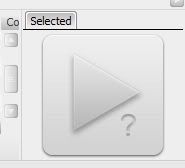
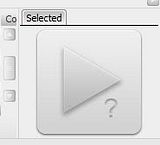
Now. I had MM maximized with this layout, as I normally do. For one reason or another (I can't recall now), I decided to momentarily shrink the window. Thus, I hit the "restore down" button and soon noticed that the "Art" pane was cut off, as the layout didn't fully adapt to the smaller window size [see fig. 1]. Now, with the pane cut off like this, switch from the Now Playing tab to the Selected tab. Notice that after clicking Selected, it shifts to the left side, where the Now Playing tab once was [see fig. 2]. Once the tabs have shifted like this, even Maximizing the window (thus giving both tabs plenty of room to be displayed), the Now Playing tab doesn't return [see fig. 3]. Once you're at this point, I've found no way of getting the Now Playing tab back (expected closing to tray or switching to mini/micro player and back would fix the issue, but no such luck). Restarting MM restores the tabs to their proper place.
fig. 1

fig. 2
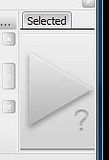
fig. 3
Code: Select all
-------------------------------------------
|  Tree     |       Library               |
|           |                             |
|           |                             |
|           |                             |
|           |                             |
|           |                             |
|           |                             |
|           |                             |
|           |-----------------------------|
|           |    Now Playing     |  Art   |
|           |                    |        |
-------------------------------------------
|                 Player                  |
-------------------------------------------fig. 1
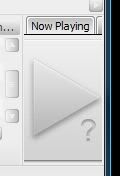
fig. 2
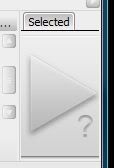
fig. 3