This script will clean the orphaned entries out of your Scripts.ini file. Please backup your files before running (just in case). I recommend Trix's
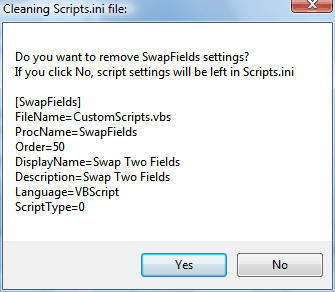
Backupscript. The script is very basic. It reads through the Scripts.ini file looking for [SomeScript] followed by Filename=somefile.vbs, then checks to be sure that somefile.vbs exists. It puts up a message box for each script entry it can't find. Click yes to delete the entry or no to leave it in place. It repeats with a new message box for each missing script. Tested on MM3.
Installer file:
CleanScriptsIni.mmip
Version 0.8 Update March 23, 2008
-Fixed code to delete entries which failed if the entries were at the end of the script
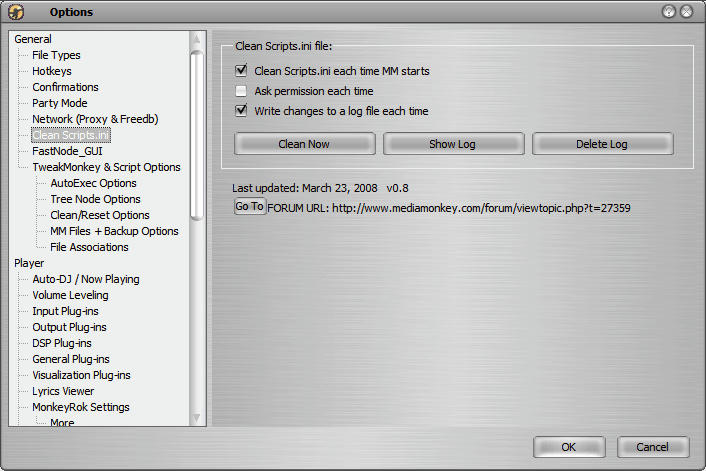
-Added Option sheet
-Removed access from scripts menu
-Added ability to turn on/off logging and messaging
-Changed logging to make it easier to copy the entry from the log and paste it back into the scripts.ini file if needed
Version 0.81 Update March 23, 2008
-Fixed code to show message box before changes
Here are screen shots:
 Too bad I don't have any way to test it.


