I have recently upgraded to MM Gold 4.1.28.1905. Now running 4.1.30.1914. When selected from the playlist menu under music using >send to>iPhone (synchronize) or using AutoSync after selecting a playlist, MM goes through the sync process, the playlist appears in the MM menu when I expand the iPhone menu, it even shows all the songs in that playlist. But they are not on my iPhone.
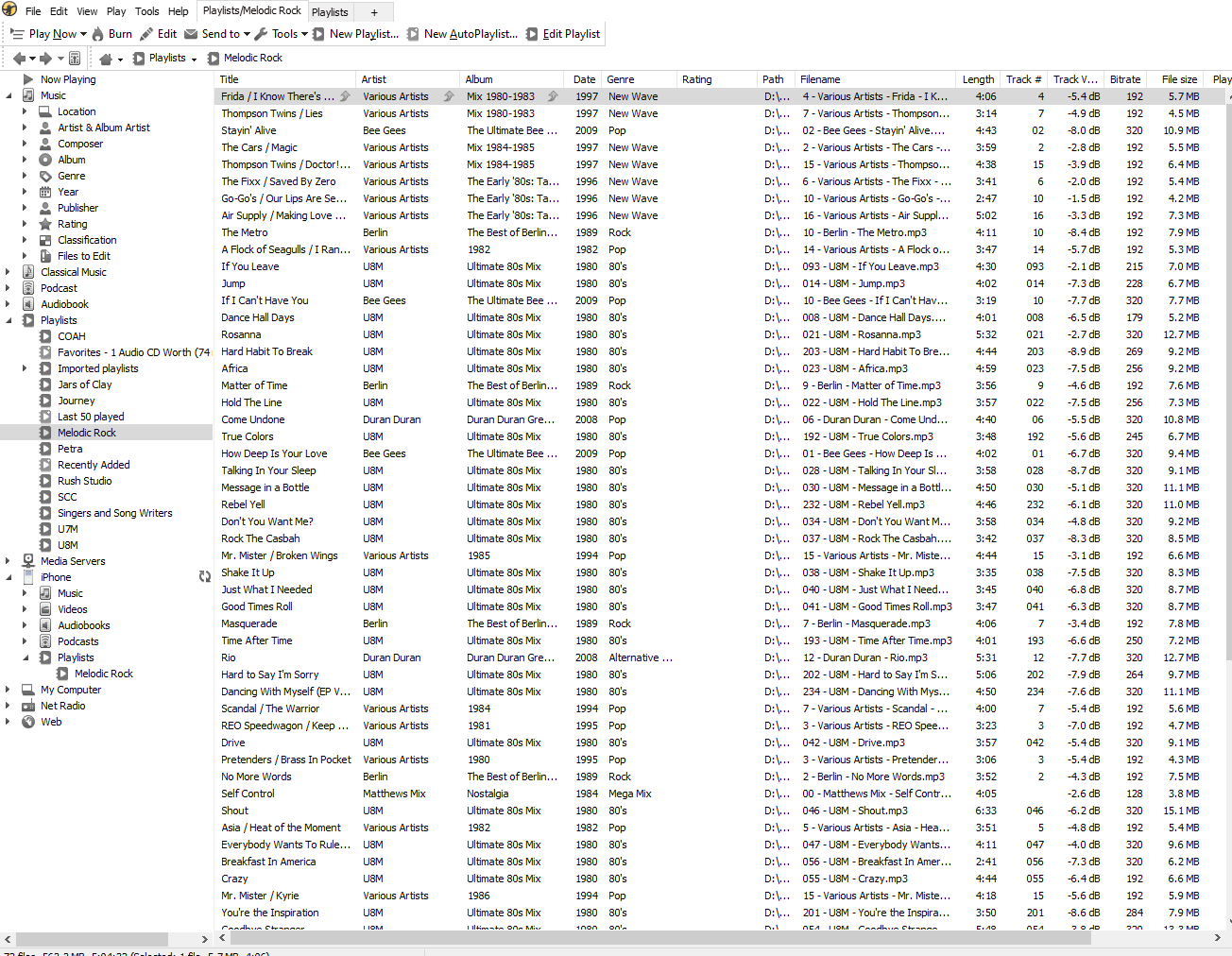
Please tell me I am simply missing some simple setting???
iPhoneX IOS 13.7
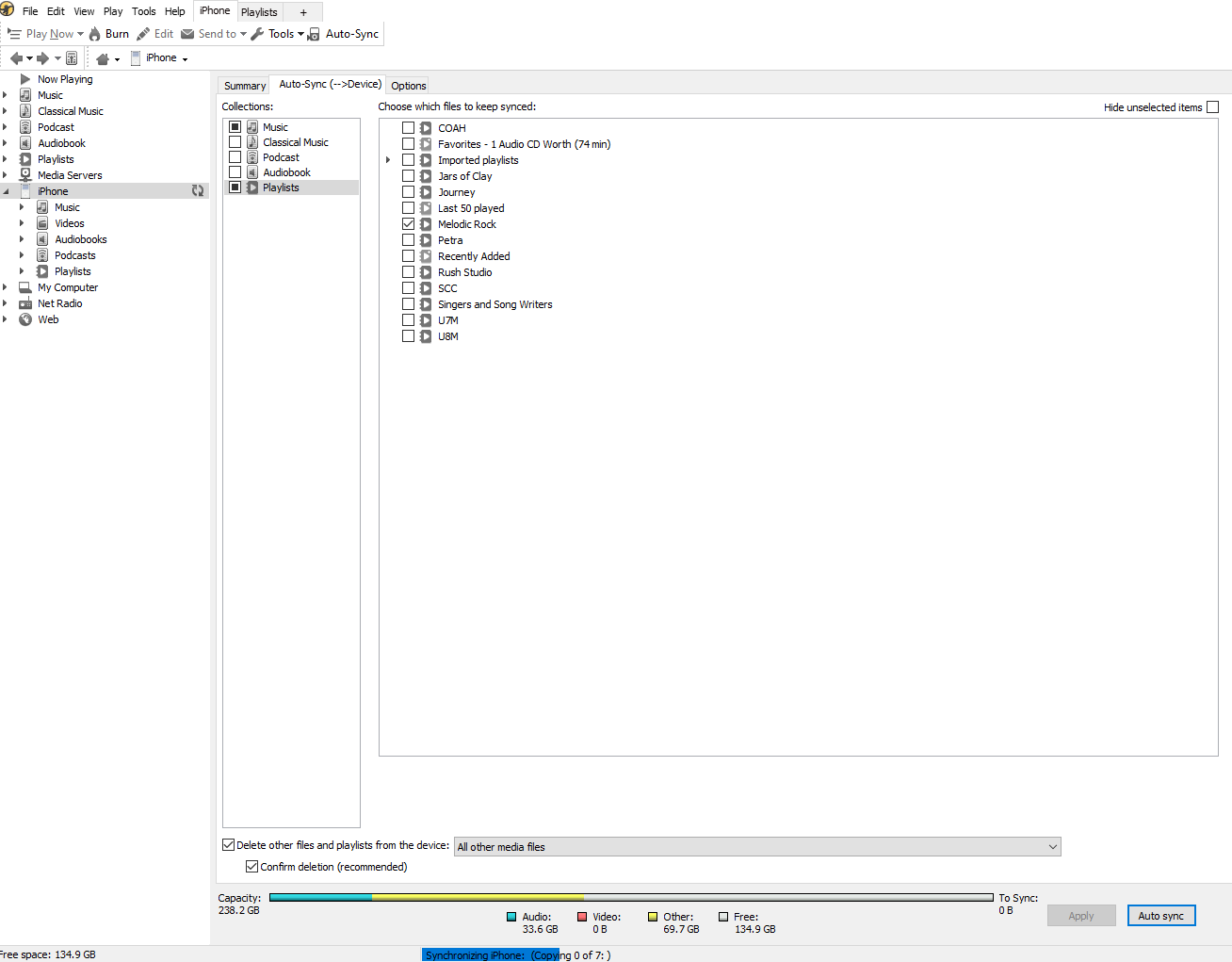
Sync settings-
Tab
Summary
Scan as soon as the device is connected (selected)
Tab
Auto-Sync (-->Device)
Music (selected)
Playlist (selected)
Delete other filed and playlists from the device: All other media files (selected)
Confirm Deletion (selected)
Tab
Options
Never modified all left at defaults.
Prior to my migration to a new Desktop in July:
Windows 10 Pro
Processor: Intel Core i9-10900K CPU @ 3.70GHz, 3696 Mhz, 10 Core(s), 20 Logical Processor(s)
RAM: 32GB MotherBoard: ASUS ROG STRIX Z490-H GAMING
I was running version 3.X.X.X. of MM, not sure which. I know it had been awhile since I installed maybe 6-8 months. On the older version I was able to sync, music and playlists. Since purchasing the GOLD version to install on my new system, only my music has been able to transfer.
Help.